It stays on your iPhone
Everything you enter or scan is saved in the app's private storage on your phone. There's no Anchor account to create.
Most money apps keep a copy of your finances on their servers. Anchor doesn't have servers for your finances at all. Everything you add, scan or ask stays on your iPhone, and this page explains exactly how.
Anchor doesn't collect any data from the app. It stays on your device.
For the core app. Optional bank linking runs through Plaid, only if you turn it on.
Everything you enter or scan is saved in the app's private storage on your phone. There's no Anchor account to create.
No analytics, no advertising, and no third-party trackers inside the app.
Receipts, statements and tax forms are read by your iPhone. The images and the text in them are never uploaded.
We don't sell, rent or share your information with anyone. We don't have it to begin with.
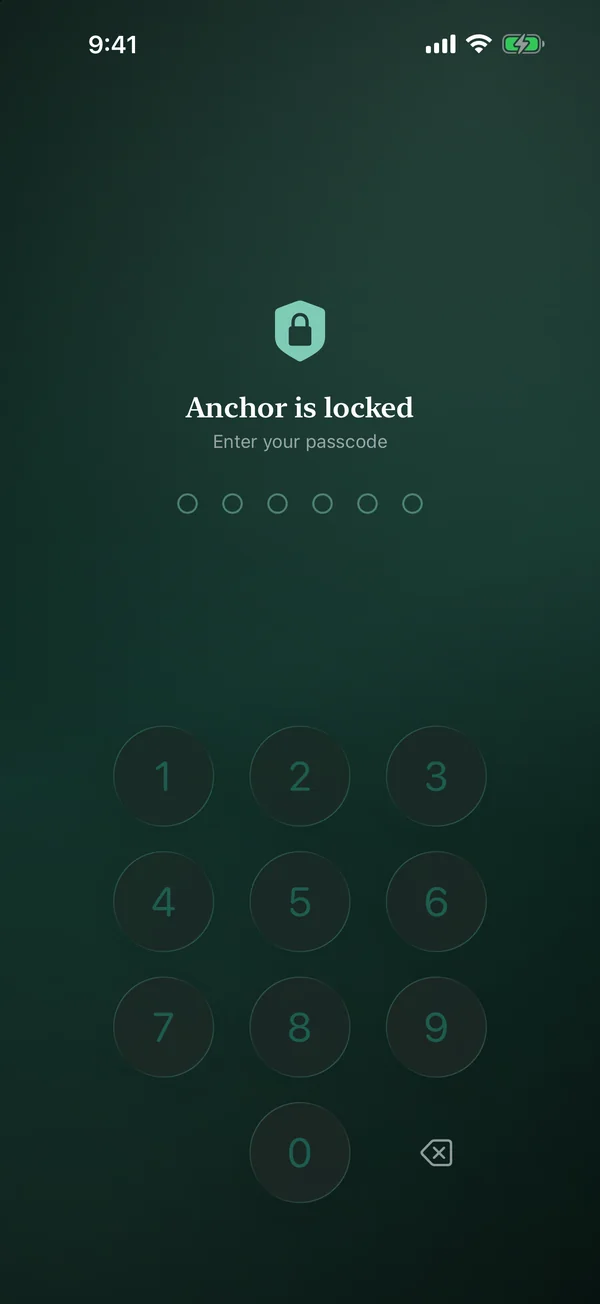
Turn on the app lock and Anchor opens with Face ID or a passcode. Face ID is handled by iOS; Anchor never sees it, and your passcode is only ever stored as a scrambled fingerprint of itself.
Export a full backup, one file with everything including your scanned documents, and keep it wherever you like. Restore it on a new iPhone and pick up where you left off.
Because there's no Anchor cloud, this file is your backup. Keep it somewhere safe.
Start over from settings and everything is gone. Delete the app and its data goes with it. There's nothing left on our side, because nothing was ever there.
The privacy policy says all of this in formal language, including how bank linking through Plaid works and what to do if you have questions.